Most people land on this page after a family member’s petition gets approved and a confusing NVC (National Visa Center) letter shows up with a case number attached. The next step feels obvious: log in and fill out the form. In practice, that single login screen trips up more applicants than the actual DS-260 questions do, mostly because the case number and invoice ID have to match a case that NVC has already finished processing. This guide walks through where to log in, what credentials you’ll need, and what to do when the screen won’t cooperate.
What Is the DS 260 Login?
The DS-260 login is the sign-in process for the Immigrant Visa Electronic Application, the online form the U.S. Department of State requires from every immigrant visa applicant before a consular interview. Petitioners sometimes confuse it with the DS-160, but the DS-160 covers nonimmigrant, temporary visas, while the DS-260 covers permanent immigration cases only. A family-based green card applicant in the Philippines, for example, will use the DS-260 login after USCIS (U.S. Citizenship and Immigration Services) approves the underlying petition. Two separate government systems, two separate forms: using the wrong one delays a case by weeks.
Where Do You Complete the DS-260 Login?
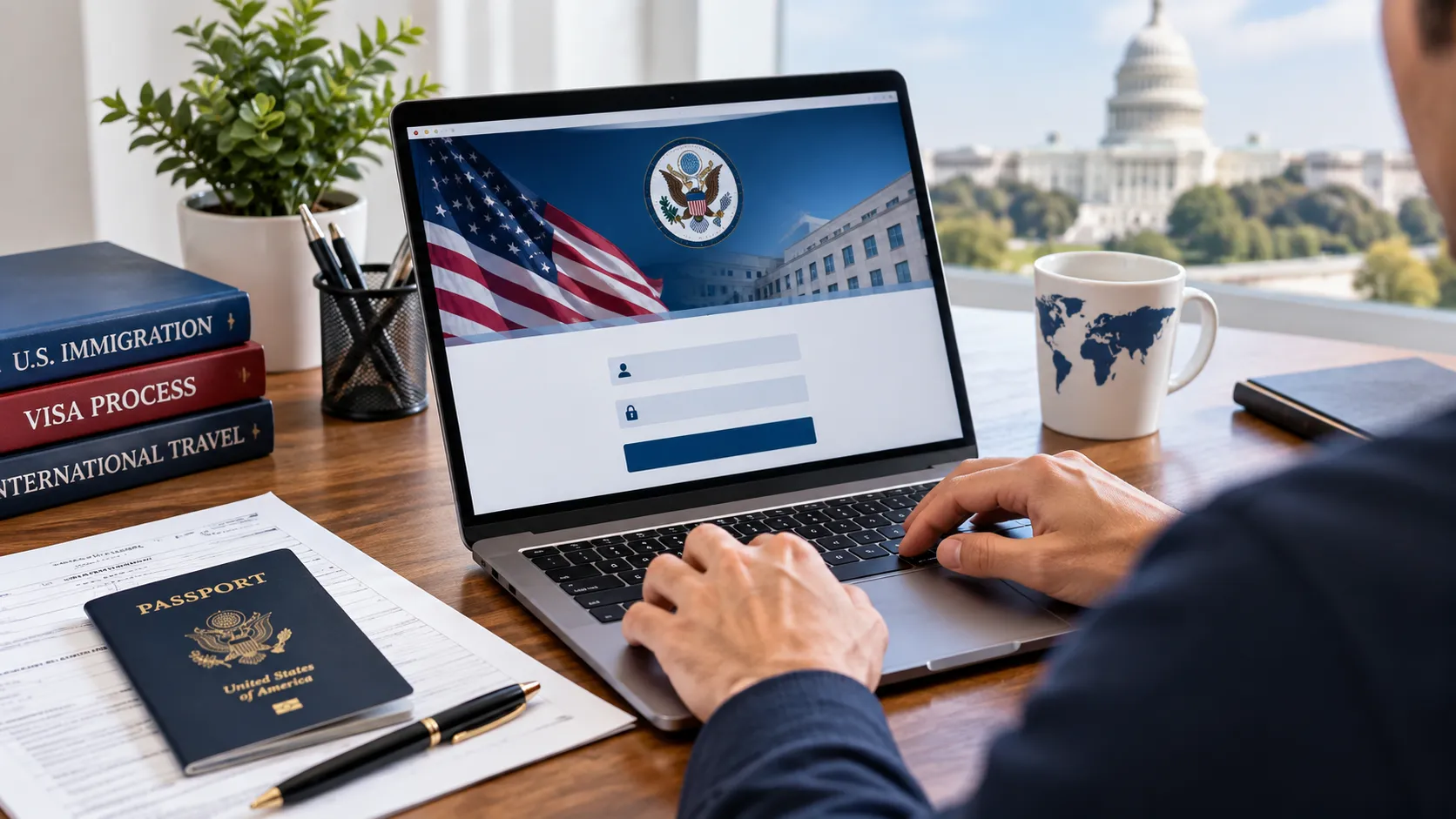
The official DS-260 login happens on the Consular Electronic Application Center (CEAC), at ceac.state.gov/IV/Login.aspx. No mobile app exists for this process, and no other government site hosts the form. Applicants reach the correct login page through ImmigrantVisas.state.gov by selecting “Submit Visa Application and Civil Documents,” or through the specific U.S. embassy or consulate website handling their case. If a search engine surfaces a third-party site charging a “processing fee” to access the DS-260, that site is not affiliated with the Department of State.
What Do You Need Before You Log In?
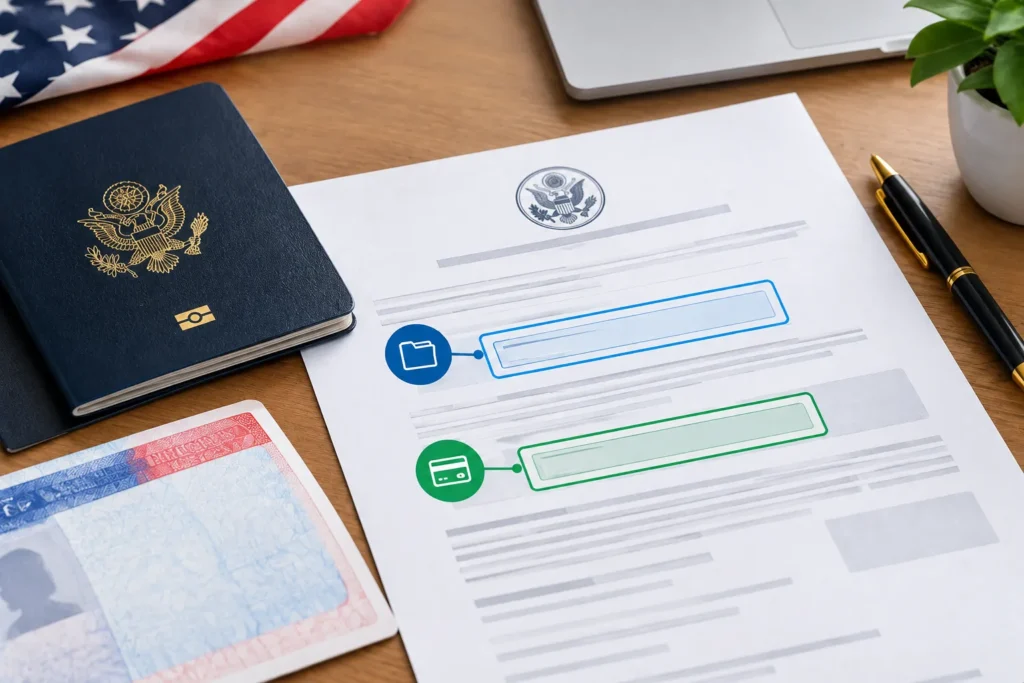
You need two numbers from the National Visa Center (NVC) welcome letter: the case number and the invoice ID. Without both, the CEAC system will reject the login attempt every time.
NVC Case Number
The case number identifies the immigrant visa petition inside NVC’s system, and it typically starts with a three-letter post code followed by ten digits, such as “MNL2026123456.” NVC assigns this number after USCIS approves the petition and transfers the file for consular processing. Losing the number does not mean starting over. Applicants can call the NVC hotline or check the original welcome email to retrieve it.
Invoice ID Number
The invoice ID links directly to the visa application fee payment on the case. NVC generates this number once it processes the case and issues a fee bill, so applicants generally need to have that fee addressed before the invoice ID becomes usable for the DS-260 login. A case with two derivative children, for instance, will show separate invoice IDs for each family member’s fee, not one shared number.
Why Can’t You Access the DS-260 Login Yet?
No DS-260 login exists yet if NVC has not finished processing the case, which happens most often when the immigrant visa fee remains unpaid. NVC will not generate an invoice ID, and therefore will not grant DS-260 access, until it has created the case file and billed the required fees. A petition approved by USCIS in January, for comparison, might not reach NVC processing until March, leaving a two-month gap where no login credentials exist at all. Checking a case status through the NVC’s online portal, rather than repeatedly attempting the DS-260 login, confirms whether the file has reached that stage.
What Happens After You Log In?
After a successful DS-260 login, the applicant lands on a dashboard listing every section of the form: biographic data, passport details, family information, employment and education history, and security and background questions. The system saves progress automatically at every page, so closing the browser mid-session does not erase completed sections. Applicants should still click “Save” before signing out manually, since an unexpected connection loss without that click can drop the last few unsaved fields. Completing the full form for a single applicant, including gathering supporting details like five years of prior addresses, typically takes two to four hours across multiple sessions.
How to Complete the DS-260 Login Step by Step
- Go to ceac.state.gov/IV/Login.aspx using a current browser (Chrome, Edge, or Firefox all work; older browsers cause display errors).
- Enter the case number exactly as it appears on the NVC letter, including the three-letter prefix.
- Enter the invoice ID number in the second field.
- Create a password if logging in for the first time, or enter the existing password on a returning visit.
- Complete the CAPTCHA verification to confirm the login attempt is not automated.
- Select the applicant’s name from the case if more than one family member shares the case file.
- Begin or resume the DS-260 form once the dashboard loads.
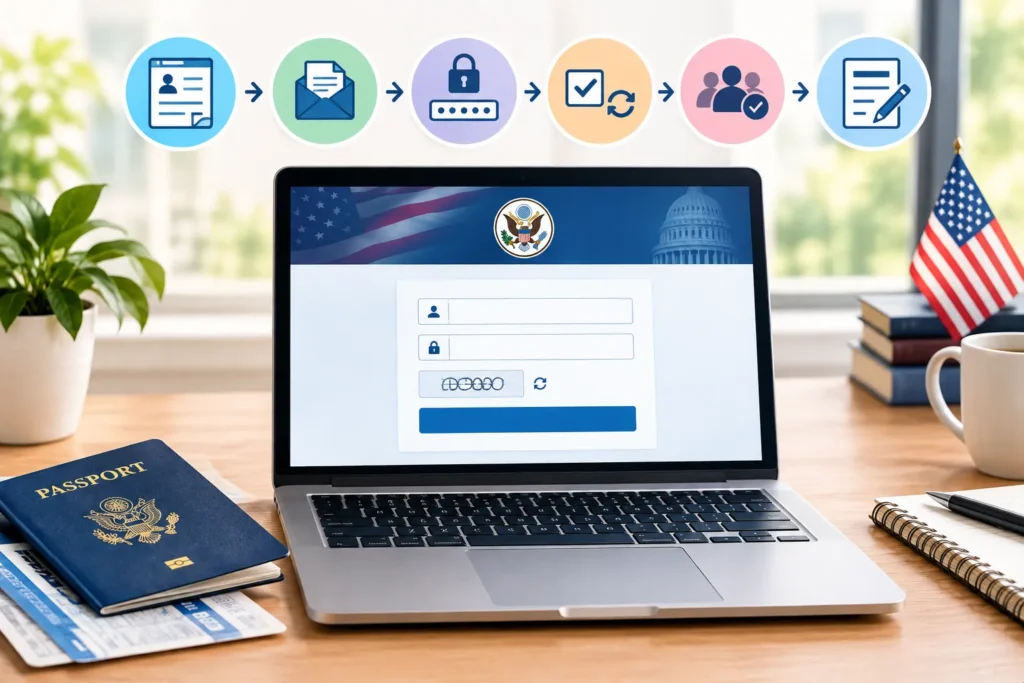
Each step takes under a minute when the case number and invoice ID are correct. If either number contains a typo, though, CEAC returns an error before the password screen ever loads.
How Is the DS-260 Login Different From the CEAC Visa Status Check?
The DS-260 login and the CEAC visa status check are two separate functions on the same website, and confusing them is one of the most common mistakes applicants make. The DS-260 login lets an applicant complete and submit the actual immigrant visa form. The visa status check, found under a different tab on ceac.state.gov, only displays where a case stands: whether it is at NVC, scheduled for interview, or issued. Someone searching “ds260 login” while actually wanting to check interview scheduling will land on the wrong tool and waste time re-entering credentials that don’t apply to status tracking.
Can Family Members Use the Same DS-260 Login?
No. Each intending immigrant on a case needs a separate DS-260 submission, even when the family shares one NVC case number. A principal applicant and two derivative children, for instance, will each log in individually using the shared case number paired with their own invoice ID, since the fee, and therefore the invoice ID, is assessed per person, not per household. Petitioners filing the Affidavit of Support, Form I-864, do so through the same CEAC portal but under a distinct upload process rather than the DS-260 login screen.
What If You Make a Mistake After Submitting the Form?
A submitted DS-260 locks immediately, and applicants cannot self-edit it through the CEAC login after that point. If an error surfaces before the interview, the applicant should contact the NVC or the relevant U.S. embassy or consulate directly to request a correction. Minor errors, such as a transposed digit in a former address, can often be addressed at the interview itself with supporting documentation. Significant errors, like an incorrect name or date of birth that conflicts with the passport, may require an unlock request from NVC before the interview can proceed.
How Long Does DS-260 Processing Take After Submission?
Processing time after submission ranges from a few weeks to several months, depending on the embassy or consulate handling the case and the current interview backlog at that post. A case at a high-volume post like Manila or Ciudad Juárez may schedule an interview 2 to 6 months after DS-260 submission, while lower-volume posts sometimes schedule within 4 to 8 weeks. Submitting the form and required civil documents together, rather than in separate batches, generally shortens the wait before an interview slot opens.
How to Avoid Fake DS-260 Login Websites
Search results for “ds260 login” sometimes surface unofficial sites that mimic the CEAC design and charge a fee simply to reach the real form. Only ceac.state.gov, and the embassy or consulate pages that link to it, host the legitimate DS-260 login. The Department of State never charges a third-party service fee to access the application itself; applicants only pay the government-set immigrant visa fee directly through NVC’s official invoicing process. Bookmarking the correct CEAC URL after the first successful login prevents accidental clicks on sponsored search results that lead to lookalike sites.
Common DS-260 Login Errors and How to Fix Them
Most DS-260 login failures trace back to one of five causes:
- Incorrect case number formatting: extra spaces or a missing letter prefix will reject the login.
- Invoice ID entered before fee processing completes: wait 24 to 48 hours after fee payment confirmation before retrying.
- Session timeout: CEAC logs users out after roughly 20 minutes of inactivity, which erases unsaved changes on the current page.
- Browser compatibility issues: outdated browsers sometimes fail to load the CAPTCHA field, blocking login entirely.
- Multiple failed password attempts: repeated incorrect passwords can lock the account temporarily, requiring a wait period before another try.
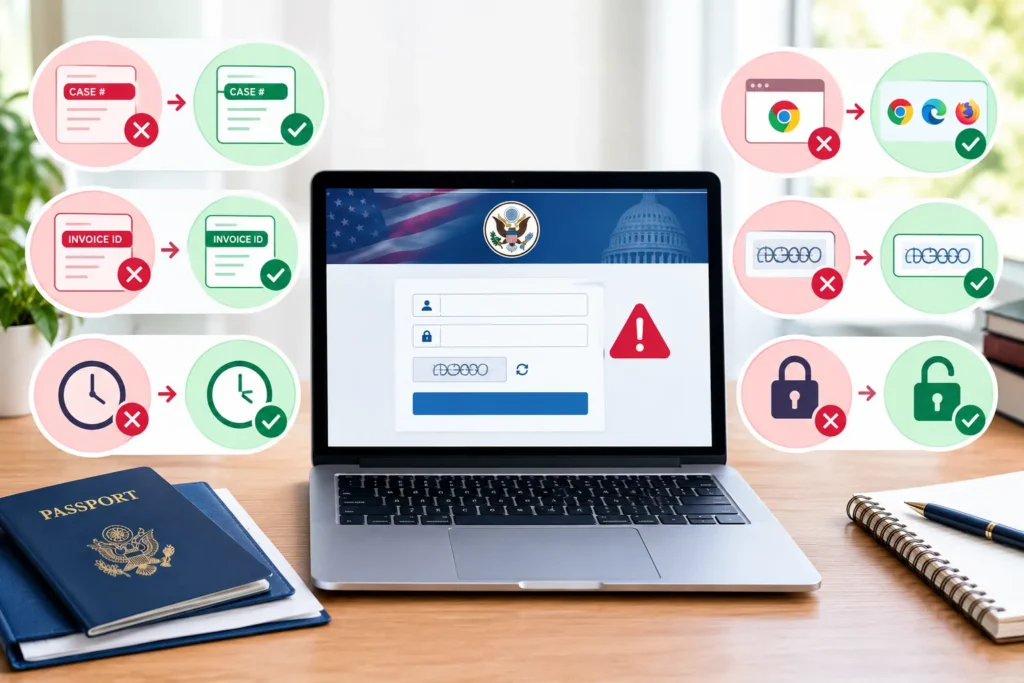
A user who mistypes the invoice ID three times in a row, for example, may see a temporary lockout message even though the case number was correct the whole time. Waiting fifteen minutes before the next attempt usually resolves that specific lockout.
FAQs
What is the DS-260 login URL?
The official login page is ceac.state.gov/IV/Login.aspx, run by the Department of State’s Consular Electronic Application Center.
Do I need to pay a fee before the DS-260 login works?
Yes. NVC generates the invoice ID after processing the immigrant visa fee, and that ID is required to log in.
Can I save my DS-260 and finish it later?
Yes. CEAC saves each page automatically, though clicking “Save” before signing out protects against connection drops.
Why does my DS-260 login say invalid case number?
Formatting errors cause most rejections: check for missing letters, extra spaces, or a swapped case number and invoice ID.
Can I edit the DS-260 after I submit it?
No. The form locks on submission; corrections require contacting NVC or raising the issue at the visa interview.
Conclusion
The DS-260 login only works once NVC has assigned a case number, processed the visa fee, and issued an invoice ID: three requirements that explain most of the confusion applicants run into. Getting the case number format right, entering the invoice ID exactly as issued, and saving progress at each page removes nearly every login obstacle covered above. From there, the form itself is the last document standing between an approved petition and a scheduled interview date.